
How to Build Scalable Systems for Startup Growth
Scaling a startup often means facing growing pains before your product even takes off. For founders aiming to build global businesses, defining clear scalability requirements is vital to avoid crippling bottlenecks once real users arrive. As you begin, careful mapping of user volume, data growth, and response time lays the groundwork for choosing the right modular architecture and scalable tools. This guide breaks down practical steps to ensure your infrastructure keeps pace with both growth and ambition.
Table of Contents
- Step 1: Define Key Scalability Requirements
- Step 2: Design Modular System Architecture
- Step 3: Implement Scalable Processes And Tools
- Step 4: Test System Performance And Reliability
- Step 5: Optimize For Continuous Growth
Quick Summary
| Key Insight | Explanation |
|---|---|
| 1. Define Scalability Requirements | Understand user volume, data growth, and performance targets to set foundation for infrastructure decisions. |
| 2. Design Modular Architecture | Break your system into independent modules for easier scaling and maintenance as your startup grows. |
| 3. Implement Scalable Processes | Use automation and efficient tools to support your infrastructure and allow for real-time scaling with demand. |
| 4. Test System Performance | Regularly perform load, stress, and endurance testing to validate your system’s reliability under growth conditions. |
| 5. Optimize Continuously | Regularly review and adjust your system for efficiency to handle growth without sacrificing performance or cost. |
Step 1: Define key scalability requirements
Before you build anything, you need to understand what growth looks like for your specific startup. This step sets the foundation for every architectural decision you’ll make down the road.
Start by asking yourself hard questions about your business. How many users do you expect in year one versus year three? Will your data grow exponentially or steadily? What’s your acceptable response time when traffic spikes? These aren’t theoretical exercises—they’re the constraints that shape everything else.
Identify the specific metrics that matter most. Common scalability factors include:
- User volume: How many concurrent users will your system need to support?
- Data growth: How much information will you store, and at what rate will it increase?
- Request patterns: Will traffic be consistent or unpredictable (like seasonal spikes)?
- Response time expectations: What latency can your users tolerate?
- Downtime tolerance: Can your system afford any outages, or must it run 24/7?
Scalability requirements define how your system handles increased workloads across growing data, traffic, and computing demands. Understanding these requirements helps you avoid building infrastructure that becomes a bottleneck when you finally gain traction.
Map your technical constraints alongside your business goals. Consider your team’s expertise—a small team might need simpler architecture than a well-resourced one. Look at your budget reality. Cloud infrastructure scales differently than on-premise servers, and cost matters when you’re bootstrapped.
Know your numbers before you write code. Vague scaling assumptions will haunt your engineering for years.
Document these requirements clearly. Not in a 50-page technical specification, but in a simple list you can reference. This becomes your north star when you’re making tradeoffs later.
Here’s a quick comparison of key scalability factors and why each one matters:
| Scalability Factor | Why It Matters | Startup Risk if Ignored |
|---|---|---|
| User volume | Affects resource and infrastructure planning | System crashes with user growth |
| Data growth | Influences database design choices | Data loss or slow queries |
| Request pattern predictability | Drives load balancing and scaling needs | Poor user experience at peak |
| Response time targets | Impacts customer satisfaction | Customers abandon app |
| Downtime tolerance | Determines redundancy measures | Lost revenue and trust |
Pro tip: Focus on the scalability factors that directly impact your unit economics first—if you can’t scale your database queries efficiently, customer acquisition won’t matter much.
Step 2: Design modular system architecture
Modular architecture is how you build systems that can grow without becoming tangled. Instead of one massive codebase, you break your system into independent pieces that work together—each handling a specific responsibility.

Think of it like building with LEGO blocks rather than pouring concrete. When you need to scale user authentication, you adjust that module without touching your payment processing. When traffic to one feature spikes, you can add resources to just that component.
Modular architecture breaks systems into smaller, independent modules that collaborate together, improving scalability and maintainability. The key is designing each module so it can stand alone but integrates cleanly with others.
Start by identifying what your system needs to do:
- User management: Authentication, profiles, permissions
- Data processing: Core business logic, calculations, transformations
- External integrations: Payment processors, email services, APIs
- Notification systems: Real-time updates, alerts, messaging
- Admin tools: Monitoring, reporting, configuration
For each module, establish clear boundaries. Define what data flows in and what comes out. This separation of concerns means your team can work on different modules simultaneously without stepping on each other’s toes.
Loose coupling is critical here. Modules should communicate through well-defined interfaces, not by reaching directly into each other’s internals. Use APIs, message queues, or event systems rather than direct database access between components.
Design modules so they can scale independently. If one module fails, the rest keep running.
Avoid the trap of creating modules that depend heavily on each other. That defeats the entire purpose. When module B needs data from module A, they should interact through a stable, unchanging interface.
Test each module in isolation. This catches problems early and makes it easier to add new features without breaking existing ones.
Pro tip: Start with fewer, larger modules and split them only as your team and complexity grow—premature modularity creates communication overhead that slows young teams down.
Step 3: Implement scalable processes and tools
Having the right architecture means nothing without processes and tools to support it. This step is about choosing technologies and workflows that let your system grow without requiring heroic effort from your team.
Start with automation. Manual processes don’t scale. If you’re deploying code by hand, monitoring servers manually, or scaling resources by guesswork, you’re already behind. Automation removes the human bottleneck and lets your infrastructure respond to demand in real time.
Scalable processes include efficient resource allocation, load balancing, and data management techniques that support growing workloads. Tools like containerization and orchestration platforms help you deploy and scale components independently based on actual demand.
Consider these essential tool categories for your startup:
- Containerization: Docker lets you package your code with all dependencies so it runs the same everywhere
- Orchestration: Kubernetes automates deployment, scaling, and management of containerized applications
- Load balancing: Distribute incoming traffic across multiple servers so no single server becomes a bottleneck
- Monitoring and logging: Track system health and debug issues before they impact users
- Cloud infrastructure: AWS, Google Cloud, or Azure let you scale resources up or down minutes
- Databases: Choose managed solutions like PostgreSQL or MongoDB that handle replication and backups automatically
Don’t try to implement everything at once. Start with what solves your immediate pain point. If you’re handling 1,000 users, you don’t need Kubernetes yet. But build your infrastructure so adding these tools later doesn’t require a complete rewrite.
Automate repetitive tasks before they become your team’s full-time job.
Document your deployment process. Write it down so any team member can deploy code confidently. This reduces your dependence on one person who “knows how everything works.”
Establish monitoring from day one. You can’t fix what you can’t see. Set up dashboards and alerts for database performance, API response times, and error rates.
Pro tip: Use managed cloud services rather than building your own infrastructure—they scale automatically and reduce operational overhead so your team focuses on product, not servers.
Step 4: Test system performance and reliability
You can’t know if your system will survive growth without testing it under pressure. This step is about systematically validating that your infrastructure performs when it matters and fails gracefully when something breaks.
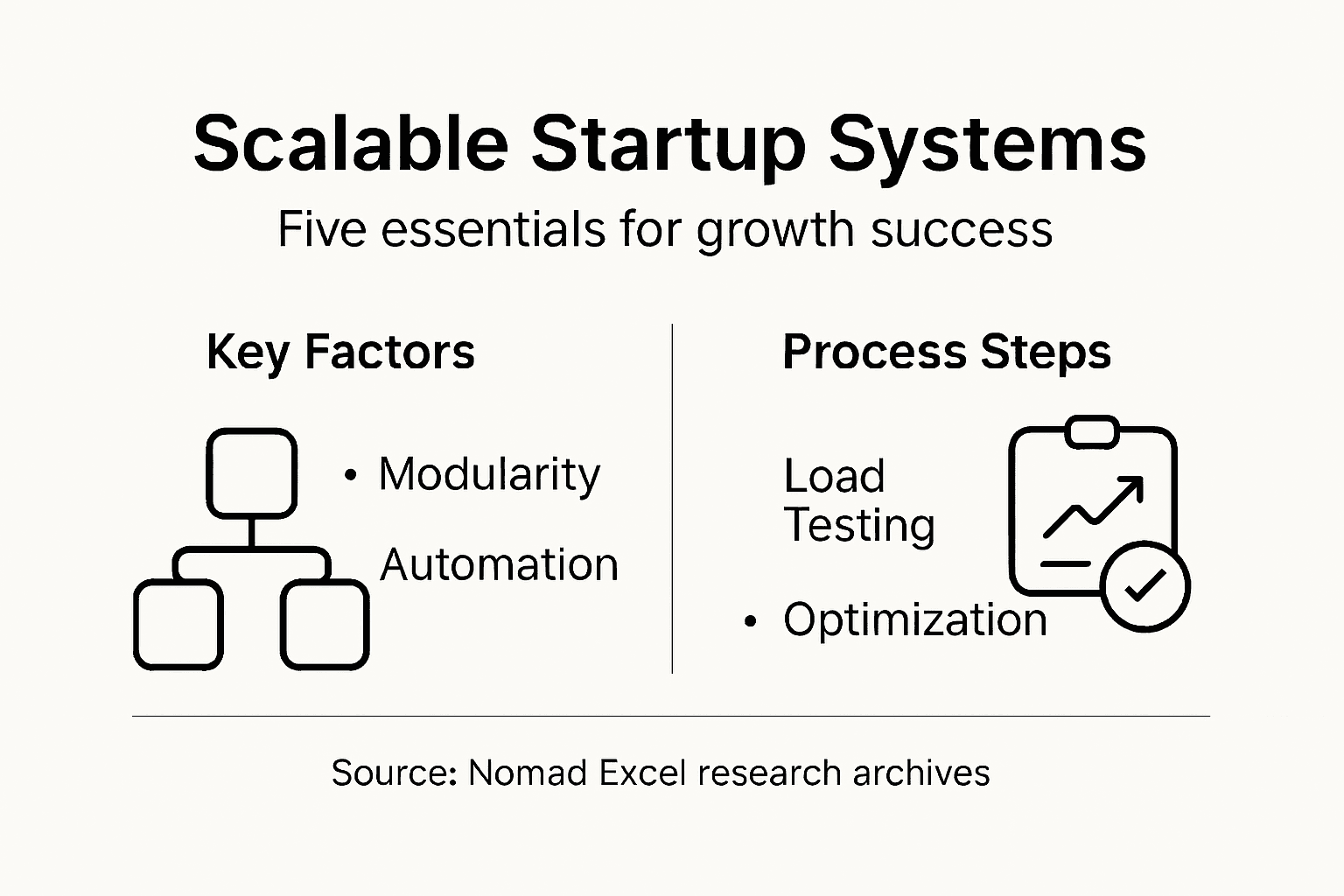
Start by understanding what “reliable” means for your business. If you’re a social media app, a 30-second outage might be acceptable. If you’re processing payments, even 30 seconds costs money and trust. Define your acceptable downtime and response times before you start testing.
Reliability testing involves stress testing, endurance testing, and performance testing to evaluate how your system behaves under load and over time. These tests reveal breaking points before your customers discover them.
Run three types of tests on your system:
- Load testing: Simulate realistic user traffic to see how your system performs at normal volumes
- Stress testing: Push your system beyond expected limits to find where it breaks
- Endurance testing: Run your system continuously for hours or days to catch memory leaks and degradation
Load testing reveals bottlenecks. You might discover your database can’t handle 1,000 concurrent users, or your API response time doubles when you hit 10,000 requests per minute. Fix these before they become customer problems.
Stress testing is where you find your actual limits. Push traffic 2 times, 5 times, then 10 times your expected peak. Does your system gracefully degrade, or does it crash? Can it recover automatically when load returns to normal?
Endurance testing catches sneaky issues that only show up after hours of running. Memory leaks, connection pool exhaustion, and database locks often hide for weeks until production traffic reveals them.
Test failures in staging are free lessons. Test failures in production are expensive disasters.
Automate your testing. Manual testing doesn’t scale. Write scripts that simulate user behavior and run them continuously. Catch regressions before they reach customers.
The table below summarizes types of system testing and what each test reveals:
| Test Type | Purpose | Common Findings |
|---|---|---|
| Load testing | Measure normal usage performance | Slow response, weak scaling |
| Stress testing | Identify breaking points | Crashes, data corruption |
| Endurance testing | Detect long-term issues | Memory leaks, gradual slowdown |
Monitor your test results over time. If performance degrades with each release, you’ll catch it immediately. Track latency percentiles, not just averages. A 100ms average with one 5-second spike is very different from consistent 100ms responses.
Pro tip: Test your failure scenarios as aggressively as your success paths—deliberately kill servers, drop database connections, and simulate network delays to see how your system recovers.
Step 5: Optimize for continuous growth
Building a scalable system is only half the battle. The real challenge is keeping it efficient as you grow. This step focuses on maintaining performance and cost-effectiveness while your business scales.
Growth brings new problems. What worked for 100 users breaks at 10,000. What cost $500 monthly suddenly costs $5,000. Continuous optimization means regularly reviewing your system and making adjustments before problems become crises.
Optimizing for continuous growth involves designing systems that handle increasing workloads efficiently while maintaining cost-effectiveness. This means constantly measuring, analyzing, and improving how your infrastructure operates.
Focus on these optimization priorities:
- Database efficiency: Review slow queries and add indexes where they matter. Monitor disk usage and clean up old data you don’t need.
- Caching strategy: Cache frequently accessed data to reduce database load and speed up responses.
- API efficiency: Track which endpoints are slowest and optimize them first. Remove unused features that consume resources.
- Cost monitoring: Set up alerts for unexpected cloud spending. Right-size your instances regularly.
- Capacity planning: Project growth six months ahead. Upgrade gradually rather than scrambling when you hit limits.
Schedule monthly reviews of your system metrics. Look for trends. If your API response time creeps up 10 milliseconds per month, that compounds. Catch it early.
Automate your optimization work. Write scripts that automatically scale resources up and down based on demand. Use caching layers that refresh automatically. Let your infrastructure adapt without manual intervention.
Talk to your customers. They notice slowness before your metrics do. If users report lag, investigate immediately. Often the issue is a single inefficient query or missing index, not architectural failure.
Optimization is not a one-time project. It’s a continuous practice that keeps your system lean and fast.
Build a feedback loop between your team and your infrastructure. Developers should see performance data. Ops engineers should understand business priorities. When everyone understands how their work impacts system performance, optimization becomes natural.
Don’t optimize prematurely. Focus on the 20 percent of problems causing 80 percent of your issues. Track where your time and money actually go, then improve those areas.
Pro tip: Set performance budgets for your application—define acceptable latency and resource usage, then treat exceeding those budgets as seriously as shipping bugs.
Accelerate Your Startup Growth with Scalable Systems
Building scalable systems is essential for startup success but it can feel overwhelming when facing challenges like managing rapid user growth, designing modular architecture, and implementing automation. This article highlighted the importance of defining clear scalability requirements, designing independent modules, automating processes, and continuously optimizing performance to avoid costly bottlenecks and failures.
At Nomad Excel we understand these pain points deeply. Our immersive Inspiration Archives bring you real-world frameworks and mentorship designed to help founders like you create scalable systems that grow alongside your business. Our bootcamps offer hands-on guidance on everything from infrastructure design to execution strategies so you avoid the common pitfalls discussed in this article.
If you are ready to move beyond theory and build a startup that scales efficiently and sustainably join our community at Nomad Excel where entrepreneurship meets clarity and action. Explore how we can help you take control of your growth journey today.
Frequently Asked Questions
What are the key scalability requirements for building systems in a startup?
To build scalable systems, you need to define specific scalability requirements such as user volume, data growth, request patterns, and response time expectations. Identify these metrics early to guide your architectural decisions.
How can I design modular architecture for my startup’s scalable system?
Design modular architecture by breaking your system into independent modules that handle specific responsibilities, such as user management or data processing. Start with a few larger modules and consider splitting them as complexity grows to maintain efficiency.
What tools and processes are essential for implementing scalability in startups?
Essential tools for scalable systems include automation tools, containerization solutions, and monitoring systems. Implement these tools incrementally to avoid overwhelming your team while ensuring that your processes can handle increased workloads with ease.
How should I test my system’s performance and reliability to ensure scalability?
Conduct load testing, stress testing, and endurance testing to evaluate your system’s performance under various conditions. By systematically simulating user traffic and identifying breaking points, you can make necessary adjustments before scaling your user base.
What are effective strategies for optimizing system performance as my startup grows?
Focus on continuous optimization by regularly reviewing database efficiency, caching strategies, and API performance. Schedule monthly reviews to catch trends early, and establish automation to minimize manual effort and reduce response times by up to 20%.
Recommended
- Business Alignment: Driving Startup Growth Globally
- 7 Essential Growth Strategies for Startup Success
- Business Scalability: Why It Matters for Entrepreneurs
- What Is Business Scaling and Why It Matters
- Blog – DayProp Funding
- 7 Praktische ondernemers tips online voor starters en mkb – Betaalbare Websites die Scoren | WebBuildingFirm.com
Comments are closed.